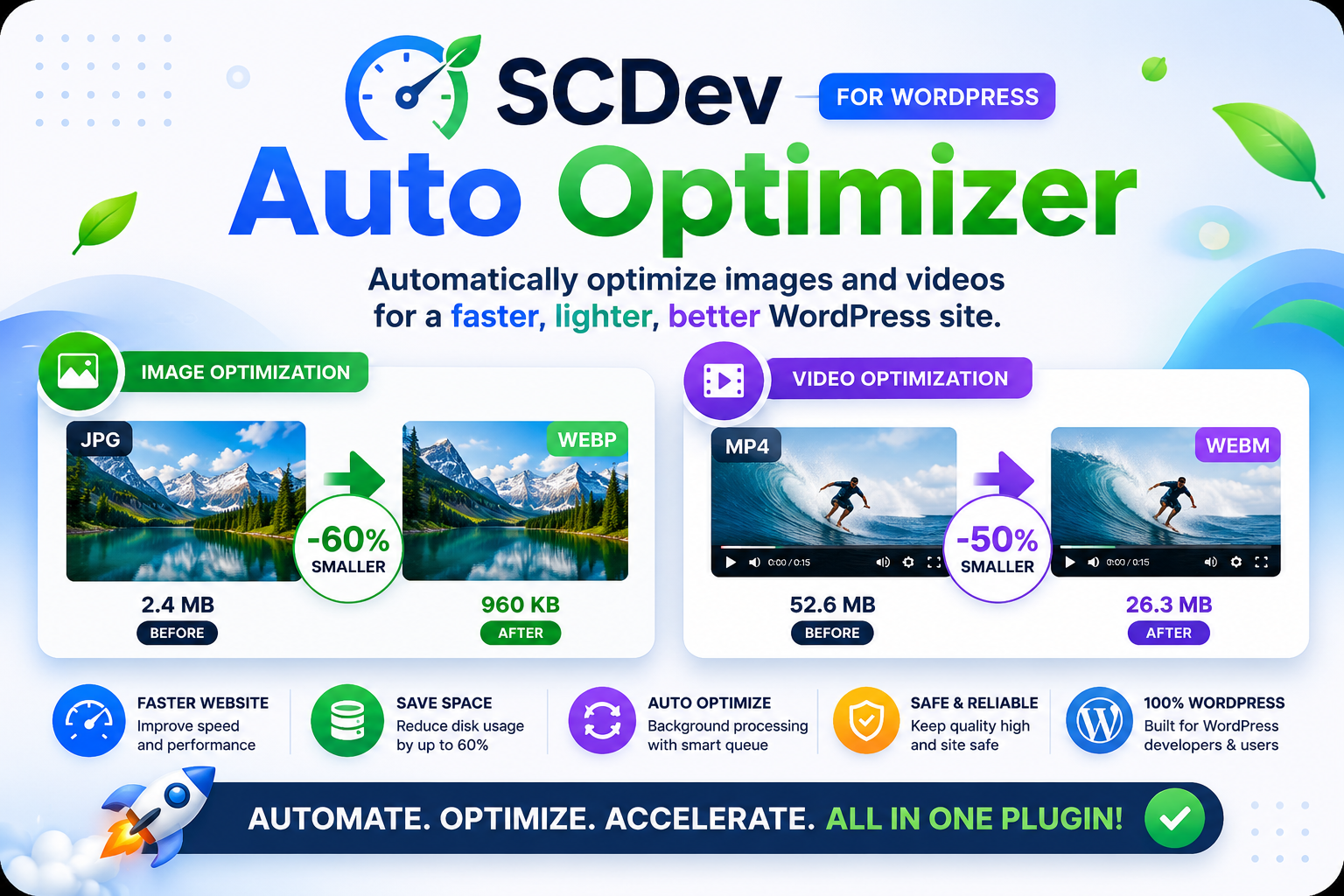
🚀 SCDev Auto Optimizer
If your WordPress site feels slow, your media files are usually the reason. Large images and videos take up space, slow down pages, and hurt SEO.
SCDev Auto Optimizer fixes that automatically by converting your media into modern, lightweight formats like WebP and WebM—without sacrificing quality.
🔍 What Is SCDev Auto Optimizer?
It’s a powerful plugin that handles media optimization in the background.
You don’t need extra tools or manual work. Upload files as usual, and everything gets optimized automatically.
It helps you reduce file sizes, improve speed, and save storage space all at once.
🖼️ Image Optimization
This plugin converts JPG, JPEG, and PNG files into WebP format automatically. You can control the quality level, with a default setting that balances size and clarity.
It uses Imagick when available for better results, or GD as a fallback to ensure compatibility.
All thumbnails generated by WordPress are also optimized, and PNG transparency is preserved.
In most cases, you’ll see file sizes reduced by 40–60 percent with no noticeable drop in quality.
🎬 Video Optimization
SCDev Auto Optimizer converts MP4 videos into WebM format using FFmpeg. It uses the VP9 codec with Opus audio for efficient compression.
You can adjust the quality using the CRF setting. Lower values mean better quality, while higher values reduce file size more aggressively.
This results in significantly smaller videos that still look and play great.
⚙️ Automatic Background Processing
Everything runs behind the scenes.
When you upload a file, it’s added to a queue. A scheduled cron job processes each file, converts it, and replaces the original if you choose that option.
You can also scan your entire uploads folder and queue existing media for optimization.
There’s a built-in log that shows progress, file size changes, and any errors, so you always know what’s happening.
🧰 Built for Developers
This plugin isn’t just simple—it’s flexible.
You can recover orphaned files after migrations, manually register files, and debug issues using detailed logs.
Settings allow you to enable or disable optimization for images and videos separately, giving you full control.
💾 Storage Management
Media files take up a lot of space, especially on growing sites.
You can enable automatic deletion of original files after optimization to save disk space.
The plugin also removes unused thumbnails and keeps your media library clean and efficient.
Over time, this can free up a significant amount of storage.
⚡ Real-World Use Cases
If you migrate your site and lose media references, this plugin can scan and recover everything.
If you change themes and media disappears, it can re-register and optimize files quickly.
If your hosting storage is filling up, enabling optimization and deletion can dramatically reduce usage.
🔧 Easy Setup
Getting started is simple.
Upload the plugin to your plugins folder, activate it in WordPress, and open the settings page.
From there, you can configure image quality, video quality, and how often the queue runs.
Once that’s done, the plugin works automatically.
🧠 How It Works
Each file is tracked with metadata, including whether it’s optimized, its original and new size, and when it was processed.
Files are renamed cleanly during conversion, such as image.jpg becoming image.webp.
Thumbnails follow the same pattern, keeping everything consistent and organized.
⚠️ Requirements
You’ll need WordPress 5.0 or higher and PHP 7.4 or newer.
Your server should have the GD library with WebP support. Imagick is recommended for better quality.
FFmpeg is required for video optimization.
🚀 Performance Impact
You can expect much smaller files, faster page loads, and improved SEO performance.
Disk usage drops significantly, especially on media-heavy sites.
🏁 Final Thoughts
SCDev Auto Optimizer takes care of one of the biggest performance issues in WordPress without adding complexity.
It works quietly in the background, improves speed, and reduces storage usage.
If your site relies on images or video, this plugin can make a noticeable difference right away.
Get Plugin Here